
Scam Awareness: Verify Messages and Service Offers from NetizenWorks
Before responding to a message or service offer claiming to be from NetizenWorks, take a moment to verify it through our website. This reminder explains how to check who you are dealing with and keep work and billing within your agreed terms.
We do not use Gmail
NetizenWorks does not use Gmail addresses for client correspondence. We never reach out through Gmail to solicit business, offer web design or any other services, request payment, or ask you to approve additional work.
Please use our official contact form for all inquiries, reports and verification requests.
An unauthorized email using our name
We became aware of an email using the NetizenWorks name that came from the Gmail address shown below:

This address is not used or authorized by NetizenWorks. We did not authorize that message or any service offer, work request or payment request made using that address.
Someone may also use our name in an offer for web design, website maintenance or other services. A familiar name, logo or signature does not establish that an offer comes from us. Please verify any unexpected offer through our contact form before agreeing to work, making a payment or sharing information.
Work and charges follow your contract
We will never call or email asking you to approve additional work or pay a charge outside your agreed contract.
If you request extra services, the scope and fees must be documented and agreed in writing before we proceed. An unexpected call or message does not create a new obligation or change your agreement.
How to verify a message or offer
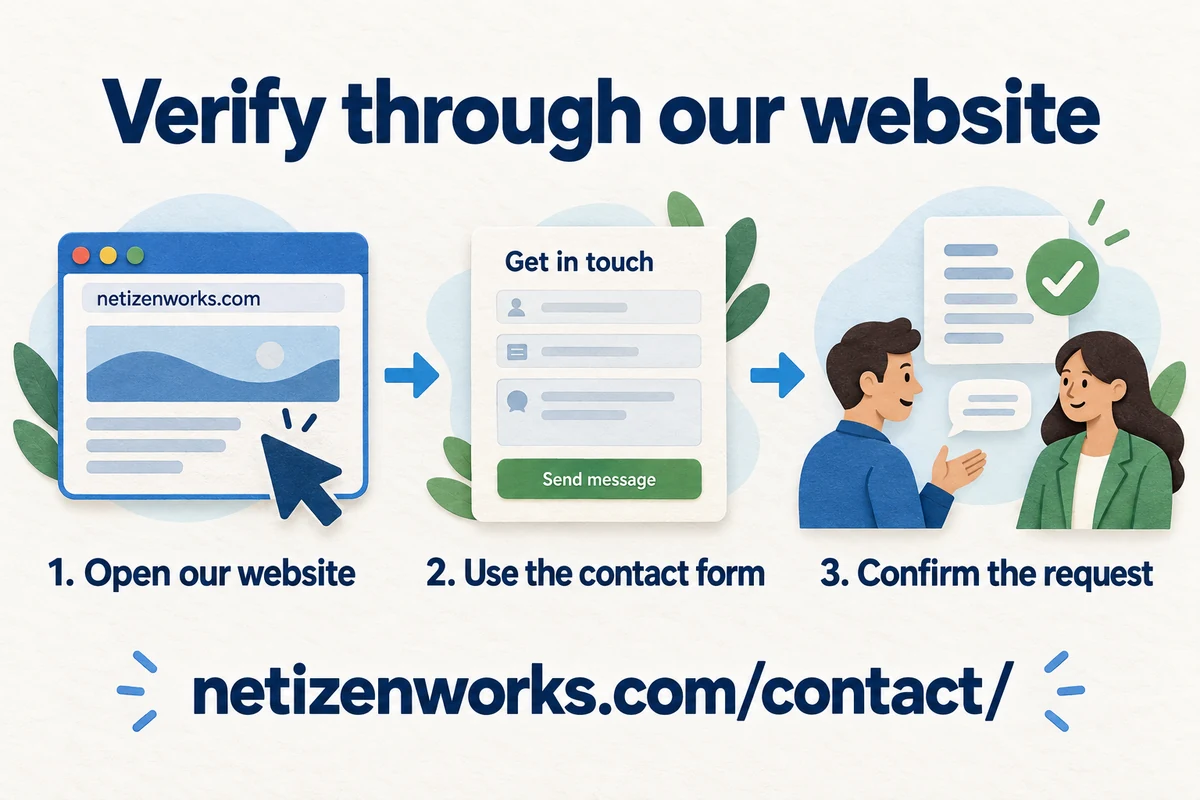
- Open our website yourself and use the NetizenWorks contact form to ask whether the message or offer is genuine.
- Include the sender's details, when you received the message and a brief description of the request. Do not include passwords, verification codes or full payment-card details.
- While checking a suspicious message, avoid its links and attachments, and do not approve work or make payment based on it.
- For an unexpected phone call, end the call and submit a verification request through our form.
Our legitimate messages may contain invoice links or buttons for submitting proof of payment. The presence of a link or button alone does not confirm authenticity; use our contact form whenever a request is unexpected or unclear.
Your agreed contract and the Terms and Conditions applicable to your engagement continue to govern our services, billing and responsibilities. This reminder does not replace or amend those terms.
Unsure about a message or service offer? Contact us through our official form to verify it.