Why Your Website Needs Monthly Updates – Even If Nothing Looks Broken

A website can look perfectly normal while outdated software, failed backups, broken forms, and performance problems quietly build up behind the scenes.
Most business websites benefit from a monthly human review because software, backups, forms, performance, and business information can change without a visible redesign. Monthly is a practical baseline; busy websites and urgent security work may need attention much more often.
When a business website is newly launched, everything usually feels fast, clean, and reliable. The pages load. The contact form works. The products, services, prices, and company information are current.
Months later, the website may still look exactly the same. That can create a false sense of security. If nothing appears broken, why spend time maintaining it?
A modern website is not a printed brochure. It is a working system made up of software, hosting, databases, integrations, forms, security tools, and content. Those parts continue changing even when the design on the screen does not.
Website maintenance is less like redesigning your office and more like checking the locks, electricity, records, and equipment that keep the office running.
“It Still Looks Fine” Does Not Mean Nothing Has Changed
Your website operates inside a constantly changing environment. WordPress releases updates. Plugins and themes receive fixes. Browsers change. Hosting software evolves. Spam tactics become more aggressive. External services adjust their systems. Your own business information also changes over time.
A visitor may not notice any of this until something important stops working. By then, the problem may already be affecting inquiries, sales, customer trust, or search visibility.
1. Updates Help Reduce Security Risks
WordPress, themes, and plugins are software. Like the apps on your phone or the operating system on your computer, they receive updates for new features, compatibility improvements, bug fixes, and security patches.
Plugins and themes should be kept on their latest versions to help keep a website secure. Components that are no longer needed should be removed when it is safe to do so; abandoned or outdated software can remain a weak point even when the public pages still appear normal.
This does not mean every update should be installed carelessly. A responsible process checks available backups, reviews important changes, applies updates in a controlled way, and confirms that the website still works afterward.
2. Small Compatibility Problems Can Accumulate
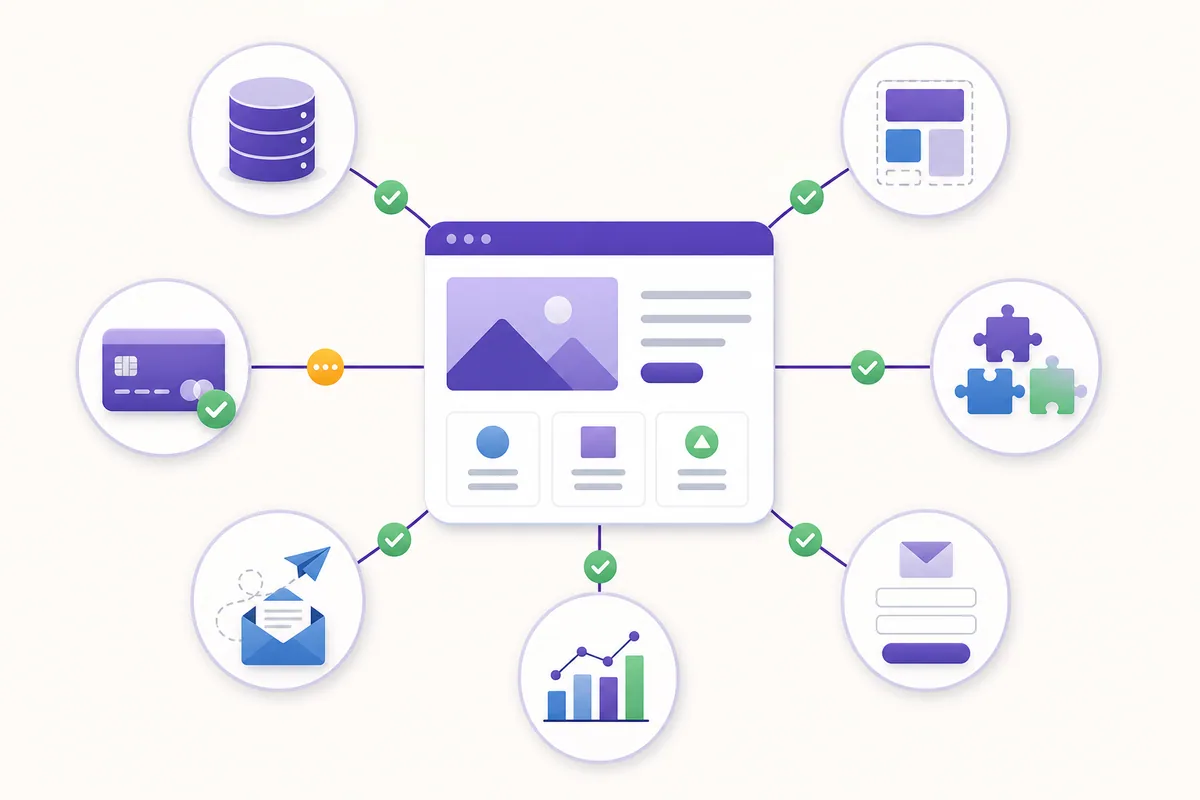
A business website often depends on several parts working together: WordPress, the active theme, page-building tools, forms, analytics, payment services, email delivery, security tools, and other plugins.
When one part changes and the others remain outdated, compatibility problems can appear. Sometimes the result is obvious, such as an error message. Sometimes it is subtle: a button stops responding on mobile, a form submission does not reach the correct inbox, or a page layout shifts only in a particular browser.
Regular maintenance catches these issues while they are still small and easier to trace.
3. Backups Are Useful Only If They Can Be Restored
Backups protect the website when an update fails, a file is damaged, data is deleted, or a security incident occurs. But simply having a “backup enabled” message is not enough.
A maintenance review should confirm that backups are still being created, recent copies are available, the database and website files are included, and the backup location is accessible. WordPress backup guidance explains that a complete restore normally needs both the website files and the database. For an important business website, at least one copy should be stored separately from the live hosting environment.
Backup frequency should match the website. A mostly informational website may be backed up daily or weekly. An e-commerce or frequently updated website may require much more frequent backups because it contains orders, customer activity, or changing inventory.
4. Forms and Business Functions Need Real Testing
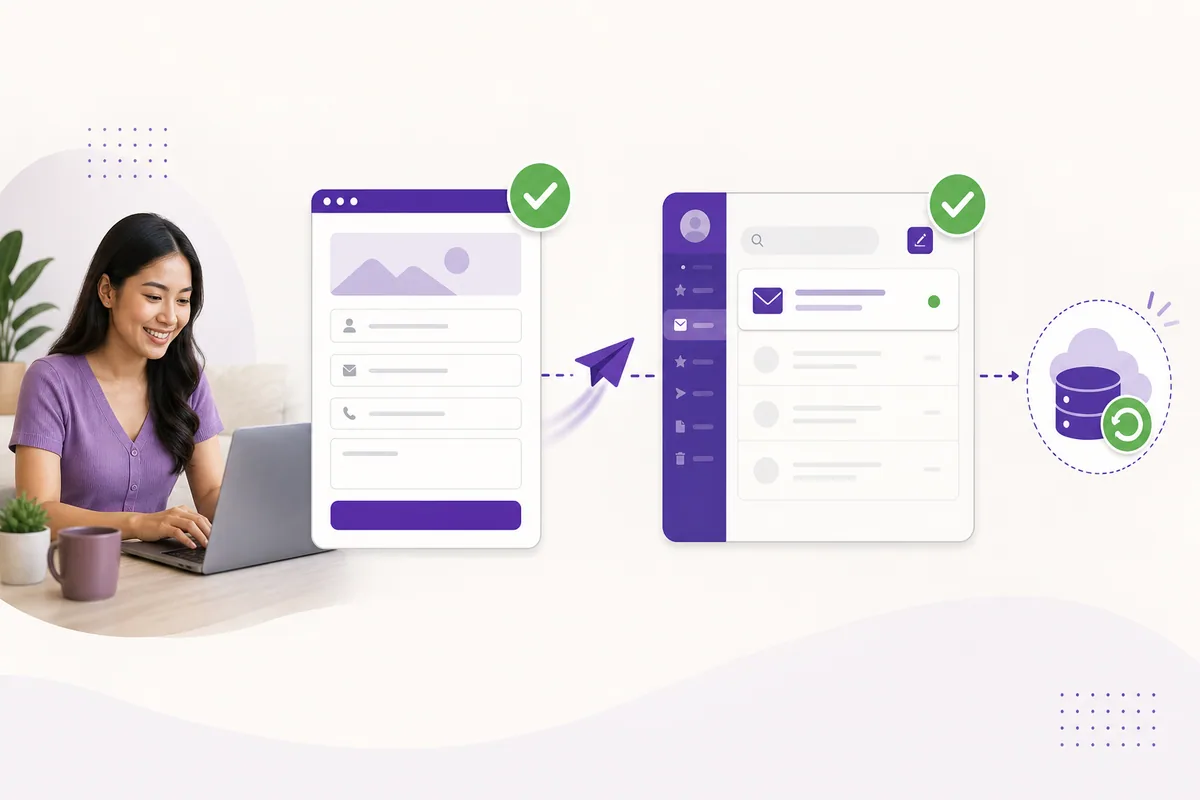
A contact form can display a successful “Thank you” message even when its notification email never reaches your inbox. A payment gateway can remain visible while an expired key prevents transactions. A booking form may load but fail at the final confirmation step.
Monthly maintenance should include a short test of the website’s most important customer journey. Depending on the website, this may include:
- Sending a test inquiry through the main contact form
- Checking quotation, booking, or registration forms
- Confirming that notification emails are received
- Testing checkout or payment steps
- Checking telephone, email, map, social, and messaging links
- Reviewing the website on both desktop and mobile
This is not only technical maintenance. It is a check that the website can still perform its business purpose.
5. Performance Can Decline Gradually
Websites tend to gain content over time. New images are uploaded, plugins are added, database entries accumulate, scripts change, and third-party tools are connected. Each addition may be reasonable on its own, but together they can make a website slower or less stable.
A monthly review can spot unusually large images, failed caching, storage problems, database clutter, broken scripts, or pages that have become noticeably slower. Maintenance does not guarantee higher Google rankings, but keeping pages accessible, usable, and technically healthy supports a stronger SEO foundation.
If search visibility is a business priority, maintenance should work alongside a proper SEO strategy, not be treated as a replacement for it.
6. Outdated Information Can Cost Trust and Leads
Not every website problem is technical. Old prices, unavailable services, former staff members, incorrect operating hours, expired promotions, and outdated contact details can mislead customers.
Once a month, someone should review the pages that matter most to the business. This usually includes the homepage, service or product pages, contact page, promotional content, and any page receiving significant search traffic.
Small corrections help the website remain believable and useful. They also reduce the chance of receiving inquiries based on information the business can no longer honor.

What Should Monthly Website Maintenance Include?
- Confirm that a recent backup exists before major updates
- Review and apply appropriate WordPress, plugin, and theme updates
- Check update reports and resolve failed updates
- Remove unused or abandoned plugins when safe
- Test contact forms and other lead-generating functions
- Check important pages on desktop and mobile
- Review uptime, security, storage, and error alerts
- Check for broken links and missing images
- Review website speed and unusually heavy pages
- Confirm that important business information is still accurate
- Record what was updated and any issue that needs follow-up
Can Automatic Updates Replace Website Maintenance?
Automatic updates are useful, but they are only one part of maintenance. WordPress can install certain updates automatically, and many hosting platforms can automate backups and monitoring. WordPress also recommends having regular backups available before relying on plugin and theme auto-updates. Automation reduces repetitive work, but it does not remove the need for review.
Automation still needs supervision. An update may fail. A backup process may stop because storage is full. A plugin may update successfully but cause a conflict elsewhere. Most automated systems also cannot judge whether your prices, services, contact details, and customer experience are still correct.
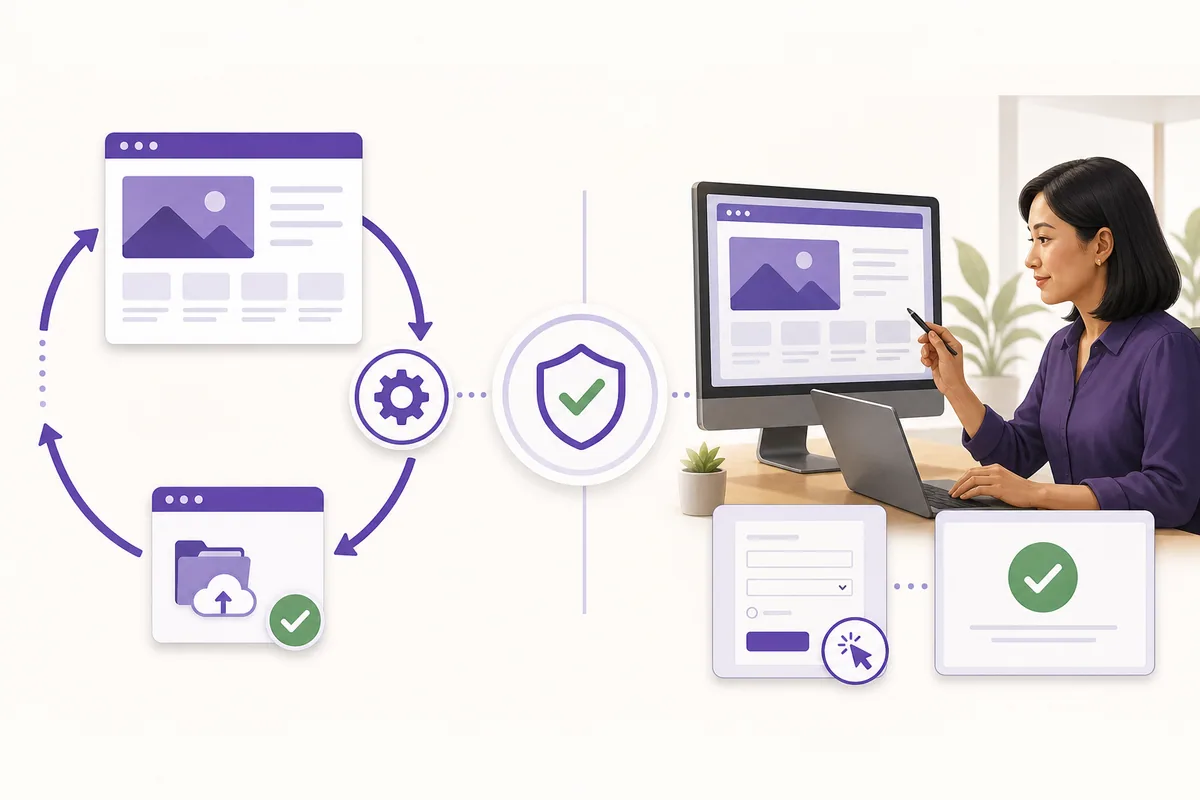
The best approach combines automation for routine protection with a regular human review of the website’s actual condition.
Does Every Website Need the Same Maintenance Schedule?
No. “Monthly maintenance” is a useful baseline for a typical business website, not a rule that everything should wait until the end of the month.
Backups, uptime monitoring, and security monitoring may run daily or continuously. Important security patches may need prompt attention. E-commerce, membership, booking, news, and high-traffic websites usually need more frequent checks than a small informational website.
The right schedule depends on how often the website changes, how much business depends on it, and how much data the company could afford to lose.
Frequently Asked Questions
How often should a business website be updated?
A monthly human review is a sensible baseline for many business websites. Backups, uptime checks, security monitoring, and urgent patches may need to happen more frequently.
Should every plugin update be installed immediately?
Security-related updates should be handled promptly. Other updates should still be reviewed and installed within a reasonable period, preferably with a recent backup and a quick test of important website functions afterward.
Does website maintenance improve SEO?
Maintenance alone does not guarantee better rankings. It helps preserve the technical foundation SEO depends on by preventing broken pages, performance problems, outdated content, and poor user experiences.
Can a business owner maintain the website personally?
Yes, if the owner has the time, access, backups, and technical confidence to manage updates and troubleshoot problems. An ongoing maintenance relationship is helpful when the website is important to the business but no one can consistently supervise it.
Conclusion: The Real Cost of Waiting
Skipping one month of maintenance does not guarantee that a website will break. That is why neglect is easy to normalize. Problems often develop gradually and remain unnoticed until several issues appear at the same time.
At that point, the work is no longer a routine update. It becomes troubleshooting, recovery, emergency repair, or even a partial rebuild. Regular maintenance keeps small tasks small and makes the website easier to support over the long term.
Your Website Should Not Be Left on Autopilot
A website is an ongoing business asset. Keeping it updated, backed up, tested, and accurate helps protect the investment you already made in it.
NetizenWorks builds and redesigns business websites with hosting, updates, backups, and ongoing maintenance included where appropriate as part of the website project. Explore our website packages or request a website quote to plan a new website or redesign.